

Probably the most unique game I’ve played so far this year, Desktop Explorer is a puzzling delight that delivers nostalgia in more ways than one.
If you’re of a certain age and disposition, you may remember a bizarre puzzle website called notpron. Presented with screens containing a single image, you’d need to work out how to progress to the next screen by finding username and password combinations, manipulating urls, and even tinkering with the source code. It was like nothing I’d seen before and absurdly difficult after a few screens. Desktop Explorer reminded me of that in so many ways, but with an actual narrative and constant changes to how you interact with the world. I love this sort of bizarre video game, the kind that only appears once in a decade.
You play as a girl who has been given her uncle’s old PC. The last time you saw him, he was being taken to a home due to suffering from what appears to be dementia. Reading through the files, you learn a little about your family history. Missing family members and tragic deaths come up in your digging, until you find a programme called Desktop Explorer, which your uncle mentioned in his files. Launching it introduces you to the Clippy-like assistant Pizarro, and a series of locked files that he challenges you to find the passwords to.
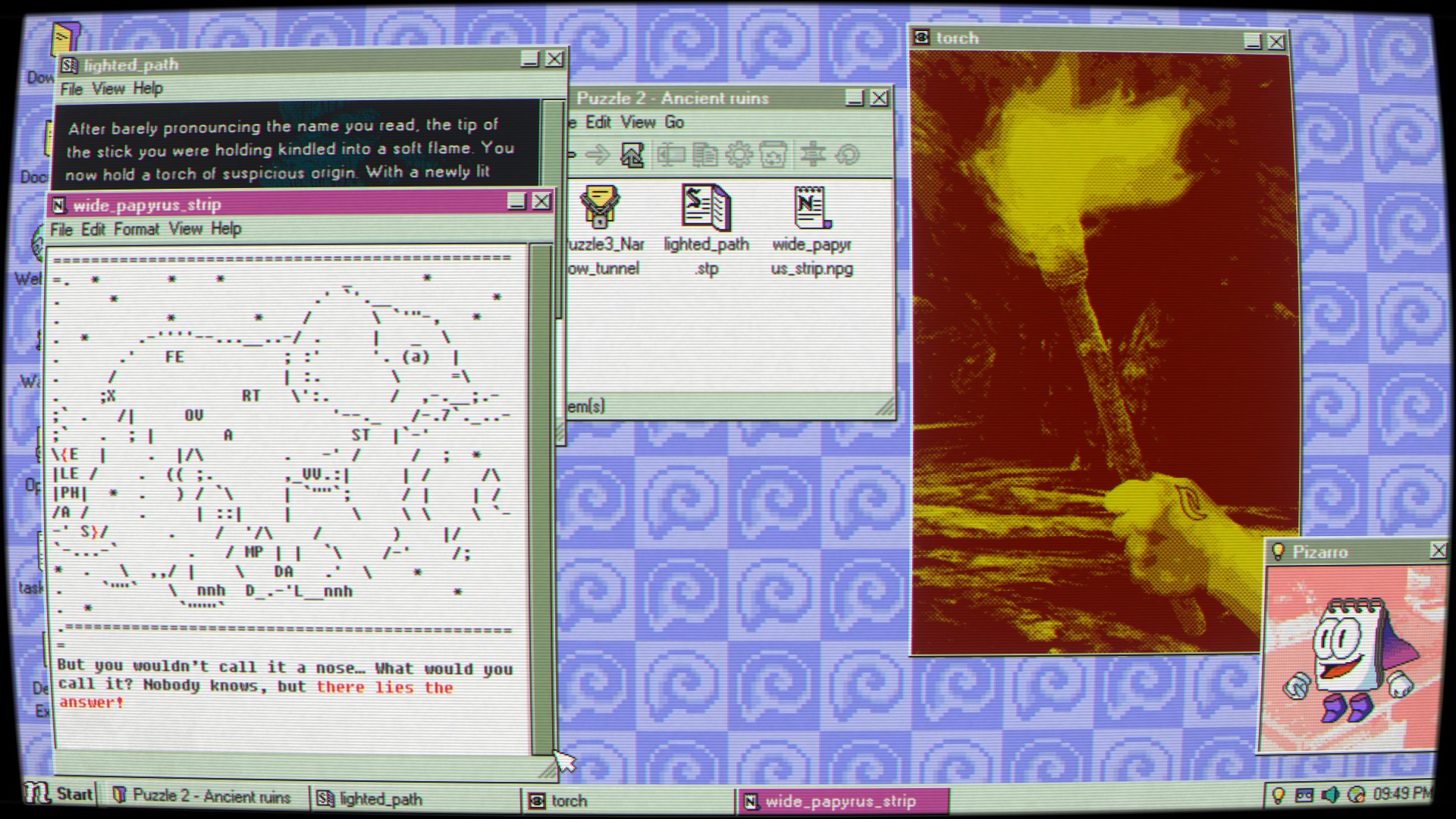
As you dig into these initially innocent files, you come across stranger and stranger events that seemingly link to your family. Furthermore, the computer seems to start reacting more bizarrely the deeper you go. If you immerse yourself far enough in this programme, perhaps you’ll find out what happened to those missing family members. There are horror elements weaved in, with analogue horror moments and even a survival horror adjacent portion of the game, so be prepared for quite a ride.
The story is interesting, and it’s worth reading the snippets you come across as absolutely everything ties into a puzzle somewhere along the way. As you work through the three paths to piece everything together, considerably different mechanics are introduced. Early on you’ll be reading and interpreting notes or scouring images to find passwords, but before long you’ll be applying colour filters to pictures, duplicating files, and exploring defunct chatrooms.
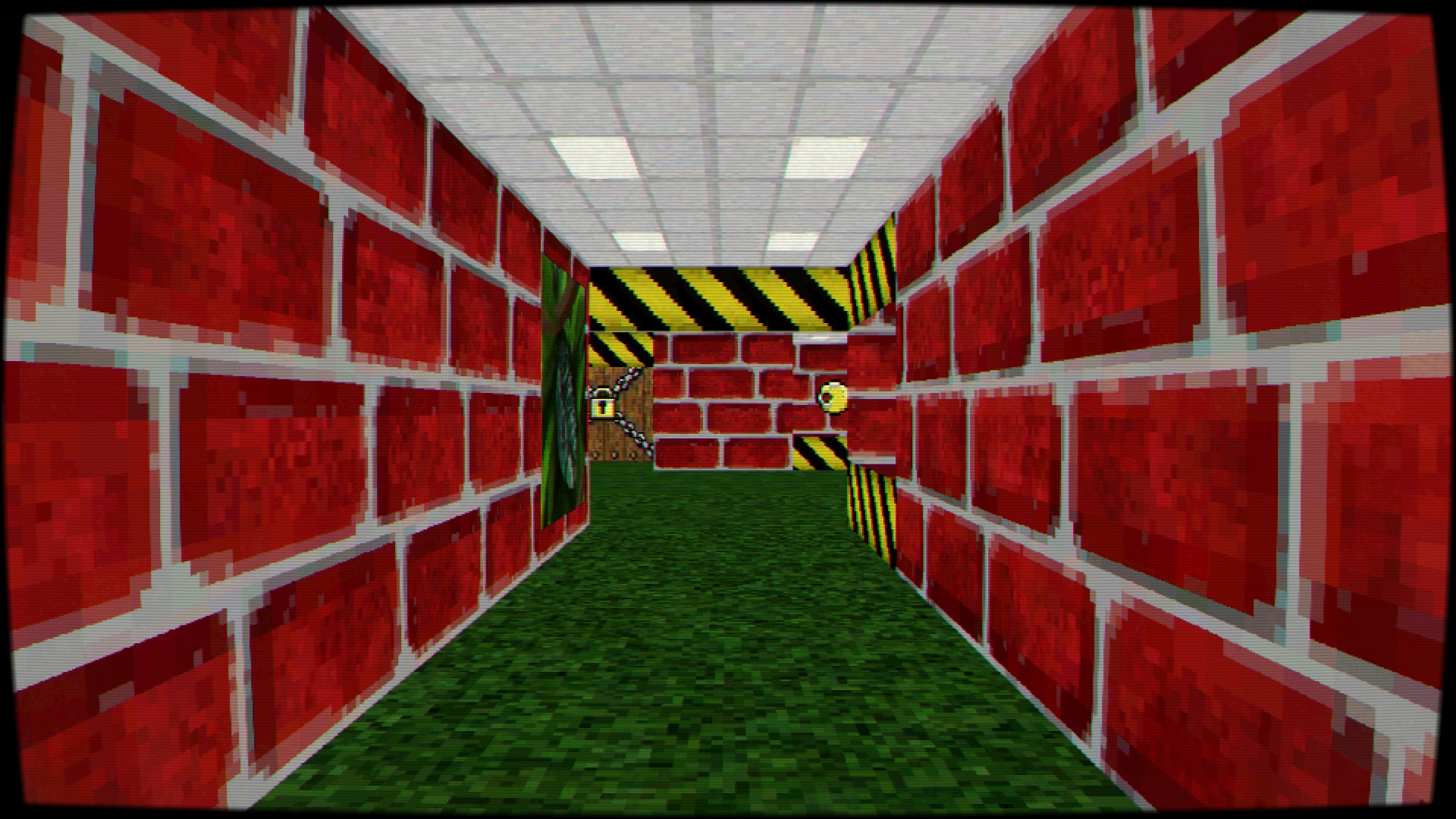
The devs of Desktop Explorer are smart enough to cycle these mechanics in and out too, giving you time to learn how something works before bringing back systems you haven’t used in recent puzzles. You’ll need to utilise everything you’ve learned in each puzzle, although the game is kind enough to provide hints here and there, though not all of them are all that useful.
Some of them are genuinely difficult and left me stumped for some time as I tried to work out how the systems interacted to get to a solution. It means that solving one feels like a genuine achievement at times. I like that the team accounted for possible mistakes you’ll make too, providing interesting results if you manipulate the source code incorrectly or change a file to have the wrong extension. It feels well thought out.
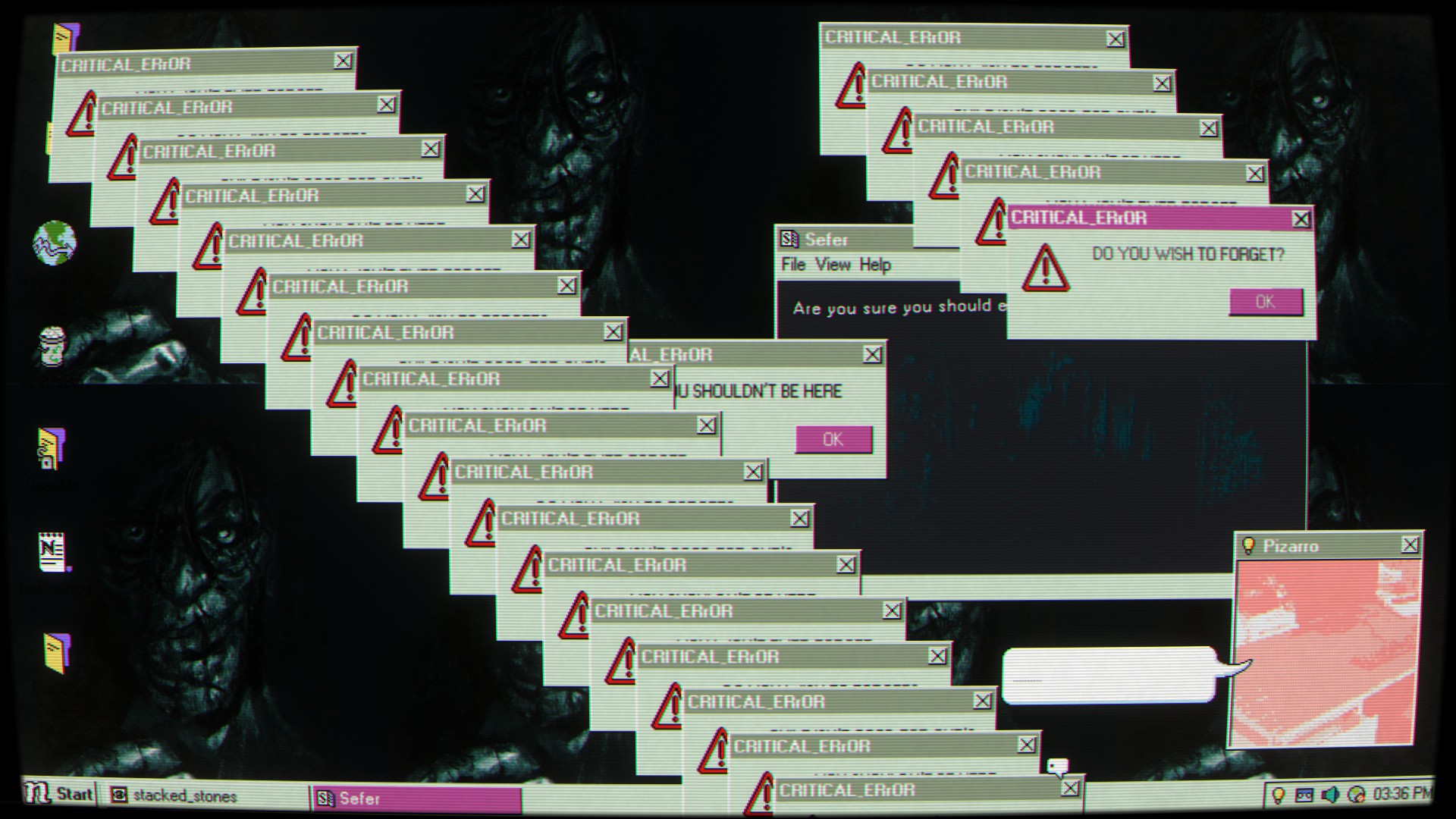
The presentation is very nicely done too. This comes across as a late 90s PC interface, from navigation through the file structure, to the settings menu being attached to the Start button. You’ve even got some classic Windows screensavers in here that may or may not be relevant to your progress. You’ve got a neat soundtrack too, and whilst it isn’t the most memorable, it’s very well paced and themed around where you currently are in terms of the story.
It’s hard to fault Desktop Explorer as it’s exactly the kind of oddity that I enjoy, with an engaging story and unique and well thought out systems to interact with the world. If I had to level a criticism at it, it’s that a few of the puzzles are a little trite, whilst others are a little too esoteric, but that’s really down to how you like your puzzles to be presented so it’s arguably very subjective. If you have any interest in unique puzzle games, Desktop Explorer is one for you.
Desktop Explorer is available now on PC.
